In this article
Why hire a professional for TV wall mounting
Hanging a TV is one of those jobs that looks like twenty minutes and a drill. In practice, most of the calls we get to fix a DIY install come down to three things: the bracket was screwed into drywall instead of a stud, the screen is a few degrees off level, or it ended up far too high to watch comfortably. None of them are dramatic on day one. All of them get worse.
A professional TV wall mounting service is really paying for the parts that don't show. Our technicians scan the wall before drilling, so the bolts land in wood or concrete and not in a water line. They carry the right anchors for every wall they will meet in a day — a condo in Miami poured in concrete, a 1950s plaster house in Los Angeles, steel studs in a Las Vegas high-rise, stone in a Dallas living room, a brick two-flat in Chicago. And they lift large screens with two people, which is how a 65-inch panel avoids a cracked corner.
The result is a TV that stays exactly where it was put, for years. That is why every install comes with a 3-year workmanship warranty: if the mount shifts or sags because of our work, we come back and fix it at no charge.
Wall types we mount on — and how each one is anchored
The wall decides the hardware. Here is how we approach the common ones:
- Drywall over wood studs. The standard case. The bracket goes into at least two studs with 5/16-inch lag bolts. If the studs don't line up with where you want the TV, a mount with a wider plate or an extension usually solves it. Our drywall guide walks through it.
- Metal studs. Common in condos, offices and newer apartments. A lag bolt has nothing to bite into, so we use rated toggle bolts across several studs, or a plywood backer for heavy screens. More in mounting on metal studs.
- Plaster and lath. Older homes, lots of them in Los Angeles. Plaster cracks if you drill it wrong, and the studs are harder to find. We drill slowly, locate framing properly and never trust the plaster itself to hold weight.
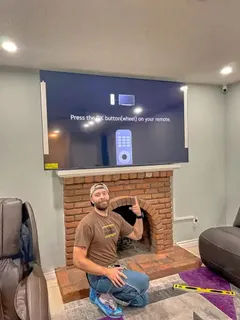
- Brick, block and poured concrete. Hammer drill, masonry bits and sleeve or wedge anchors. Concrete is the strongest wall you can mount on when it's done right. See how to mount a TV on concrete.
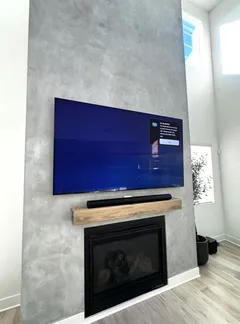
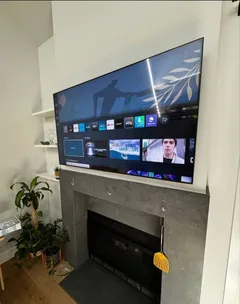
- Stone and uneven surfaces. Stacked stone and fireplace surrounds need shims and longer anchors so the plate sits flat. We cover this in mounting on stone.
If you're not sure what's behind your wall, don't worry about it — identifying it is the first thing the technician does, and the price doesn't change because the wall is harder.
Choosing the right TV mount
Most TVs go on one of three wall mounts, and the right one depends on where you'll sit and how high the TV has to go. Above a tall fireplace there's a fourth option — a mount that pulls the screen down to you.
Tap a type to see how it moves on the wall.
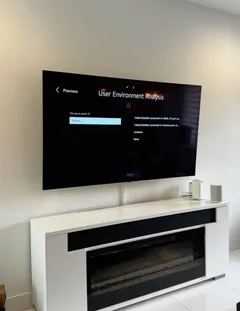
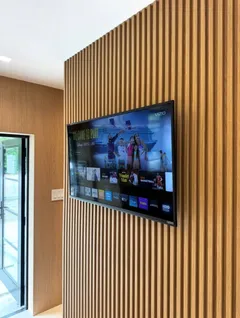
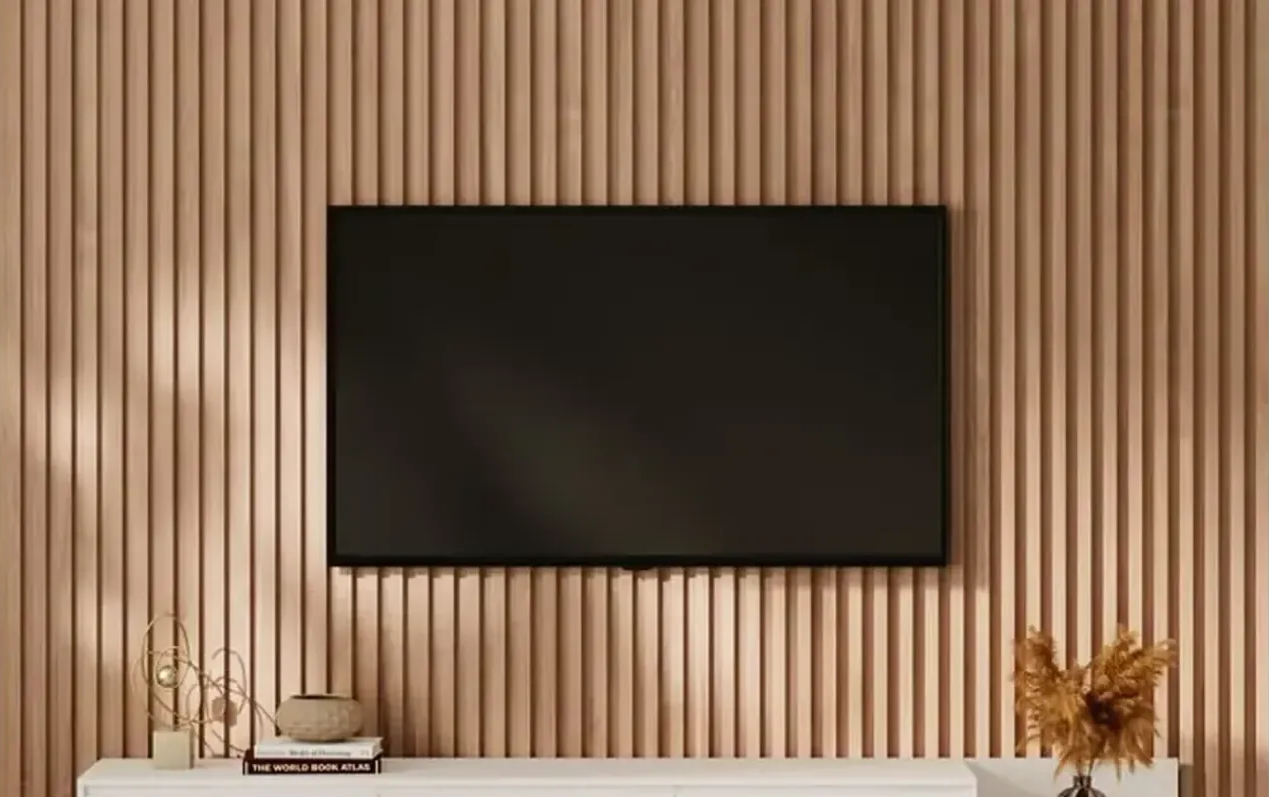
Fixed (flat) mounts hold the screen an inch or two off the wall. They are the cleanest look and the right choice when the TV is at eye level and you watch from straight in front. See flat and fixed mounts.
Tilting mounts angle the screen down by 5–15 degrees. Use one when the TV sits higher than eye level — above a dresser, a console or a mantel — or when a window puts glare on the screen. See tilting mounts.
Full-motion mounts have an arm that pulls out, swivels and tilts. They are right for corners, open-plan rooms and TVs watched from two places. See full-motion mounts.
Pull-down mantel mounts sit high above the fireplace when the TV is off and glide down to eye level when you watch. They're the answer for tall mantels, where even a tilting mount leaves the screen too high. See mantel mount installation.
Art TVs are the exception: Samsung The Frame, the Hisense CanvasTV, TCL's Picture Frame TV and LG's Gallery TV come with their own slim mount that holds the screen a few millimeters off the wall — see Frame TV installation, where the models are compared.
Not sure which one fits your TV? The mount finder matches your model's VESA pattern and weight to brackets that fit, and our article on tilt versus swivel mounts explains the trade-offs.
Free tools Mount Finder Pick the brand and screen size to see the pattern that lineup uses, the weight range and mounts that fit. Add the model code for an exact match. Open the tool →How high to mount your TV
The most common mistake in TV wall mounting is height. The center of the screen should sit at roughly eye level for the main seat — for most sofas that's around 42 inches from the floor. Mount a 65-inch TV with its bottom edge at 60 inches and you'll be looking up at it every night.
Bedrooms are different (you're usually lying back, so higher works), and a TV above a fireplace is a special case we handle as its own service — see fireplace TV installation. The TV height calculator gives you a number for your room, screen size and seating distance, and the technician will confirm it with a marked outline before drilling.
What to do with the cables
Out of the box, a wall-mounted TV has at least a power cord and an HDMI hanging below it. We tuck and tie cables behind the screen on every job. If you want them gone, there are two options:
- Paintable raceway ($39) — a slim channel on the wall surface. No cutting, renter-friendly, and it can be painted to match. Our raceway guide shows what it looks like.
- In-wall concealment ($69) — wires run inside the wall to a recessed plate behind the TV, the cleanest possible finish. We use in-wall rated cables and power kits, never a power cord stuffed into the wall.
Both are explained in detail on our TV cable concealment page.
Rather have a pro do it?
Send a request — we'll confirm the exact price and a time that suits you by text or call. 3-year warranty on every install.
Installation day: what to expect
The technician arrives in the window you booked and starts by agreeing on placement with you — height, centering and which way the cables should run. Then the wall is scanned, the bracket is anchored and leveled, the TV is fitted with the correct VESA hardware and hung, and the cables are dressed.
Before leaving we test every input, pull-test the mount by hand, vacuum the drilling dust and take the boxes and packaging with us. You get a short walk-through of how the bracket adjusts, and a text confirming the warranty.
A few things make the visit faster: clear about a metre of floor in front of the wall, have the TV's screws and remote handy, and know which devices (cable box, console, soundbar) should be connected. If you're adding a soundbar or a game console, we handle those on the same visit.
Same-day TV mounting in twelve metros
We run crews in Miami and South Florida, Los Angeles, Dallas–Fort Worth, Las Vegas, Houston, Atlanta, Chicago, San Diego, Charlotte, Salt Lake City, Seattle and Raleigh–Durham. The price list is the same everywhere and there is no travel fee anywhere inside the service area. Same-day slots are open seven days a week; see our same-day installation guide for how that works and what to prepare.