In this article
Why mount a soundbar instead of leaving it on a stand
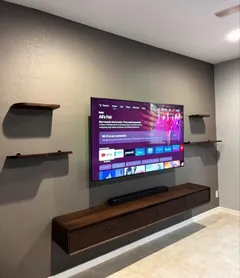
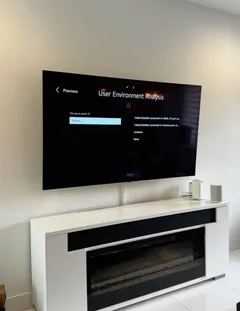
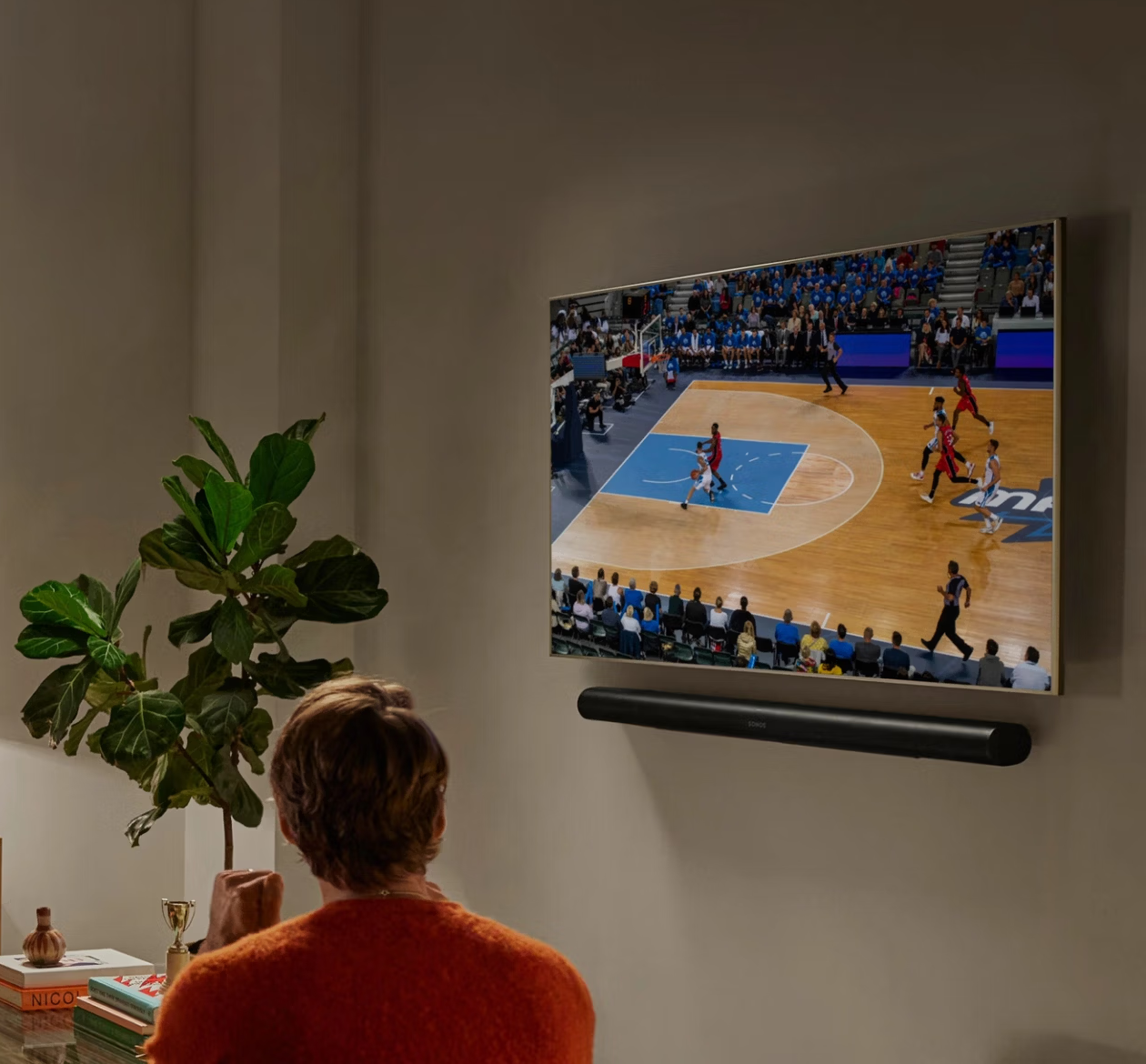
Flat TVs have small, rear-firing speakers, and dialogue is the first thing to suffer. A soundbar fixes that — but where it sits matters almost as much as which one you buy. On a low stand under a wall-mounted TV, sound comes from a foot below the picture and the bar often blocks the screen's IR sensor. Mounted directly under the TV, dialogue appears to come from the actors, and the whole setup looks deliberate.
Our soundbar installation service mounts the bar in the right place, connects it the right way and sets it up so you don't need two remotes. It pairs naturally with TV wall mounting on the same visit.
Where the soundbar should go
The rule of thumb is simple: centered under the TV, 2–4 inches below the bottom edge. Within that, a few things decide the exact spot:
- The TV's IR sensor is usually at the bottom center or bottom corner of the frame. The bar must not block it, or the TV remote stops working.
- Bar height. Taller bars and those with up-firing Atmos drivers need more clearance so the drivers aren't shooting into the screen.
- Width. A bar roughly as wide as the TV, or a little narrower, looks balanced; a much wider bar needs more gap below.
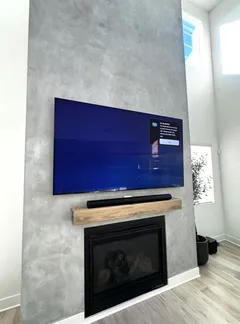
- Seating. If the TV is mounted high (over a fireplace, for example), mounting the bar high with it keeps sound and picture together.
The soundbar placement calculator works out the gap and the centerline for your TV and bar.
Free tools Soundbar Mount Finder Whether the bar bolts to the TV or to the wall depends on how your mount moves. Gets that right, then the clearance and the cable. Open the tool →Wall bracket or TV-attached mount
Most soundbars come with a simple wall bracket. We anchor it into studs or masonry — a soundbar is light, but it gets bumped when cleaning, and drywall anchors loosen. On concrete and brick, it gets the same masonry anchors as the TV.
For full-motion mounts or when you'd rather not add holes, a TV-attached soundbar mount clamps the bar to the TV bracket so the two move together. It's the tidiest option for corner mounts and pull-down setups.
If the bar will sit on furniture instead, a floating shelf or media stand below the TV gives it a clean home — see our article on soundbars and floating shelves.
Rather have a pro do it?
Send a request — we'll confirm the exact price and a time that suits you by text or call. 3-year warranty on every install.
Connecting it properly
A soundbar is only as good as its connection:
- HDMI eARC — the best option on newer TVs. It carries lossless and Dolby Atmos audio and lets the TV remote control volume and power.
- HDMI ARC — the same convenience with compressed surround formats. Fine for most setups.
- Optical — for TVs without ARC. Good stereo and basic surround, but no one-remote control on most models.
We connect to the right port (it's labeled ARC or eARC on the TV), turn on HDMI-CEC so the TV and bar power on together, switch off the TV's own speakers, set the audio output and check lip-sync with a real show. If you have a subwoofer or rear speakers, we place and pair them too.
Hiding the soundbar's cables
The soundbar adds at least two cables — power and HDMI or optical — right below the TV, exactly where they're most visible. We route them with the TV's cables, either inside the wall to the lower plate or in the same raceway. If you're hiding the TV's wires anyway, the soundbar's go along at no extra cost. See TV cable concealment and our guide on hiding HDMI and power cables.
Soundbar installation in our regions
We install soundbars in Miami and South Florida, Los Angeles, Dallas–Fort Worth, Las Vegas, Houston, Atlanta, Chicago, San Diego, Charlotte, Salt Lake City, Seattle and Raleigh–Durham — usually on the same visit as the TV, sometimes on their own when a new bar arrives for a TV that's already up. Same-day slots and the same 3-year warranty in every region.