In this article
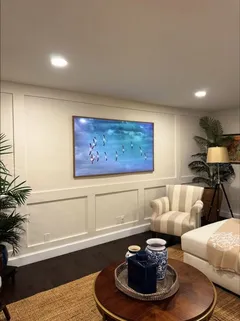
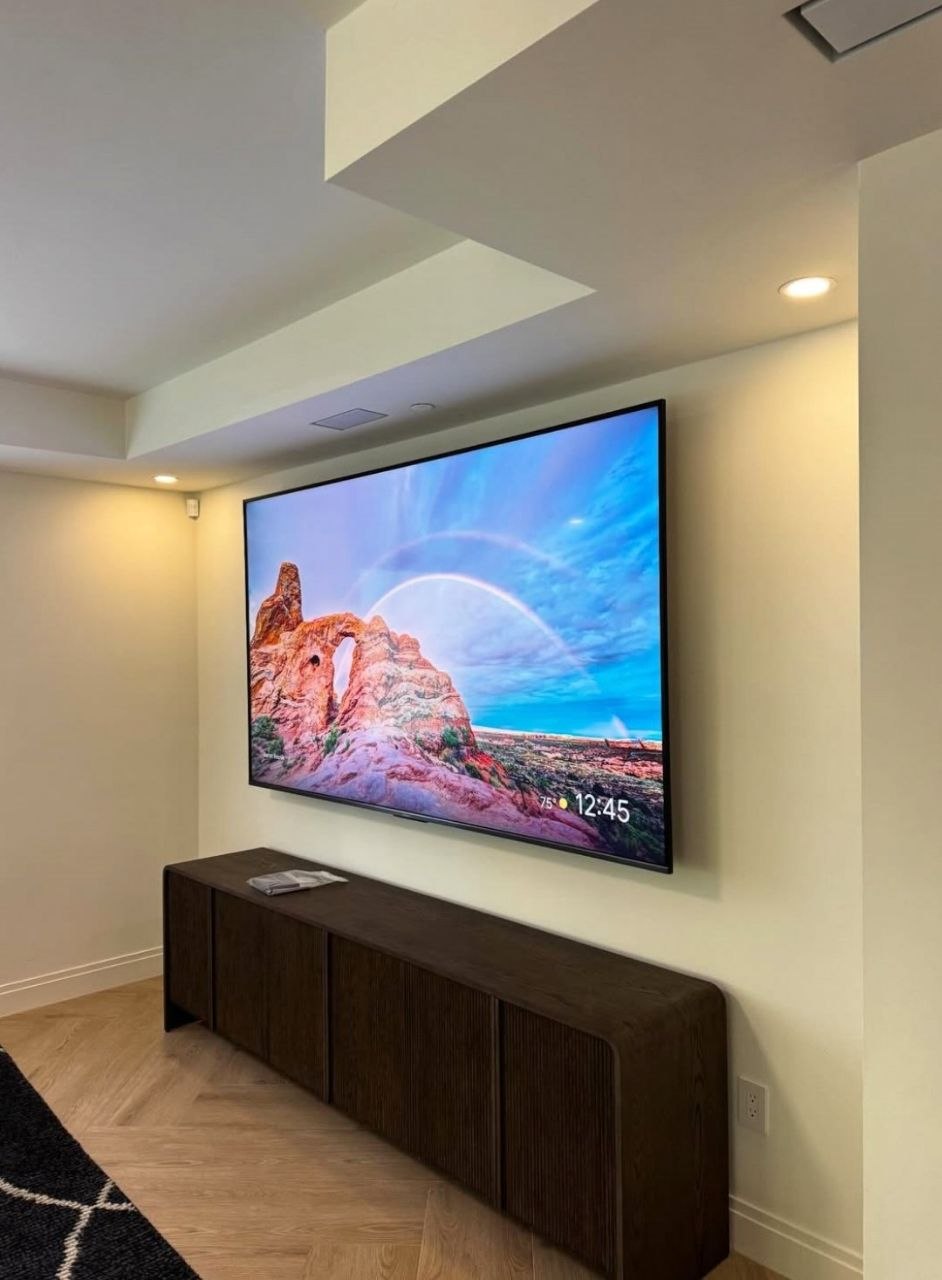
The Samsung Frame looks like art because it hangs almost flush. That look depends entirely on getting the Slim Fit mount perfectly flat, level and in the right place — there's no adjustment once it's up.
What's in the box
- Slim Fit Wall Mount: a two-part bracket and a paper template.
- One Connect box (2025 and earlier): every input and the power go here, not into the TV.
- One Connect cable: a single thin cable from the box to the screen (length varies by model; longer ones are sold separately).
The 2026 Frame dropped the box on US models — its ports and power cord connect at the TV — and the Frame Pro uses a wireless box but still needs power at the TV. For those, plan a recessed outlet behind the screen; our Frame TV installation page compares every model.
1. Decide where the One Connect box lives
This decides the whole install. Options, from cleanest to simplest:
| Where | How the cable runs | Look |
|---|---|---|
| Recessed box in the wall behind the TV | Short run, fully hidden | Cleanest — nothing visible |
| Console or cabinet below | In-wall down to the console | Clean |
| Cabinet in another spot | In-wall with the long cable | Clean, needs planning |
| On the floor or shelf | Raceway down the wall | Simple |
For in-wall routing see hiding TV wires in the wall and our wire concealment planner.
2. Use the template
Tape the paper template to the wall. It shows the screen outline and exactly where the bracket holes go. Pick the height — Frame TVs are often hung like art, a little higher, but for a TV you watch, keep the center near eye level. The height calculator helps.
3. Anchor it
- Wood studs: the Slim Fit bracket rarely lines up with two studs on smaller Frames. One stud plus rated drywall anchors is common for 32–55 inch models; follow Samsung's instructions for your size.
- Concrete or block (most Miami homes): sleeve anchors — the bracket is thin, so holes must be exactly on the marks.
- Metal studs: toggles through the stud faces.
4. The flat test
This is the step people skip. Hold a long level across the bracket in every direction. Any bow in the wall shows up as a gap at one corner of the Frame. Shim or shave before hanging.
5. Hang, connect, adjust
Connect the One Connect cable to the TV, lift the Frame onto the bracket, and use the bracket's small leveling adjustment. Then attach the bezel if you bought one — magnetic bezels snap on last.
Turn on Art Mode's motion sensor and brightness sensor. The Frame looks like a print in daylight only when the brightness follows the room.
Rather have a pro do it?
Exact price in about a minute — TV size, wall type and cables included. Same-day in most areas, 3-year warranty on every install.
Rather have it done? Our Frame TV installation hides the One Connect box wherever you want it. Installation $169 up to 60 inches, $179 up to 85, in-wall cable $69. Local pages: Miami, Los Angeles, Las Vegas.
Gear mentioned in this article
 Franklin Sensors ProSensor M210 13-Sensor Stud Finder, Live Wire DetectionStud finder: locates the framing behind the drywall.Check price →
 Swanson 9” Die Cast Aluminum Torpedo Level with Rare Earth Magnetics TL002MLevel: gets the bracket straight on the first try.Check price →
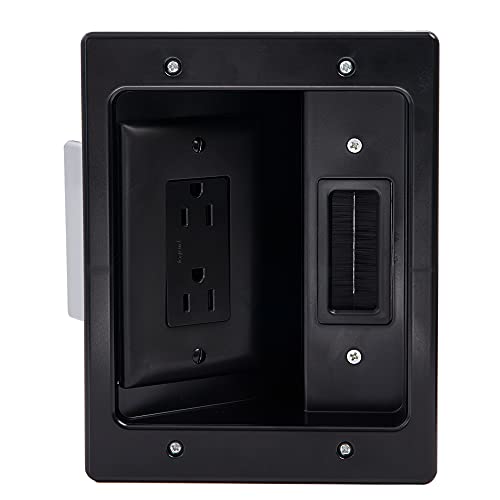 LegrandIn-wall power kit: a code-compliant outlet behind the TV.Check price →
 Legrand Pass & Seymour TV3LVKITWCC2 3 Gang Recessed TV Box with Low…Recessed box: plugs sit inside the wall, not behind the panel.Check price →
As an Amazon Associate, TV Mount Q earns from qualifying purchases. We never show a price here: Amazon prices change daily, so the button takes you to the current one.